User Permissions
Each role can be assigned permissions to access specific stages. Permissions are defined in the Access tab of the form design environment.
Types of Permissions
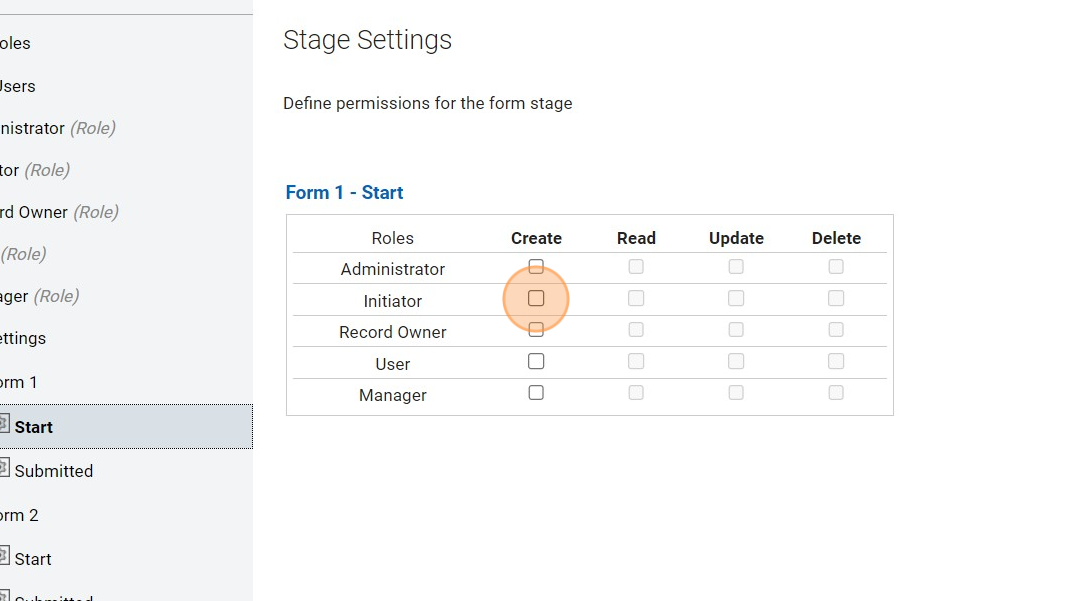
- Read: Users with this permission can open the form in given Stage and view data.
- Create: Users with this permission can open the form in stage Start and submit the form - which results in creation of a new data record and start of the workflow.
- Update: Users with this permission can open the form in given Stage, modify the data and submit (save) the form and transition into the next workflow Stage.
- Delete: Users with this permission can open the form in given Stage and delete related data record.
Assigning Permissions
Assigning Permissions
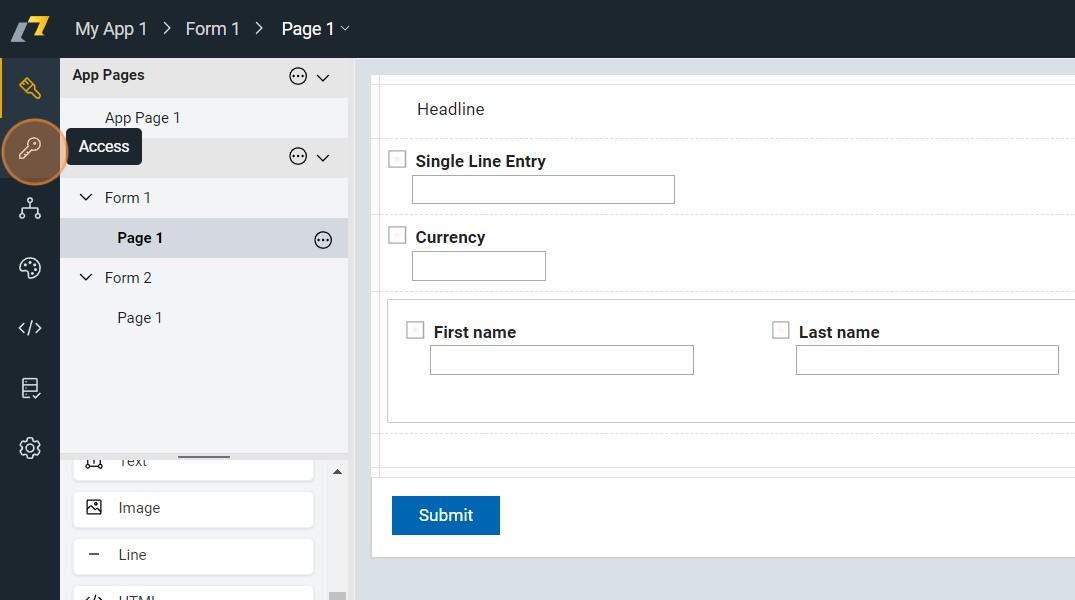
1. Navigate to "Access" tab.
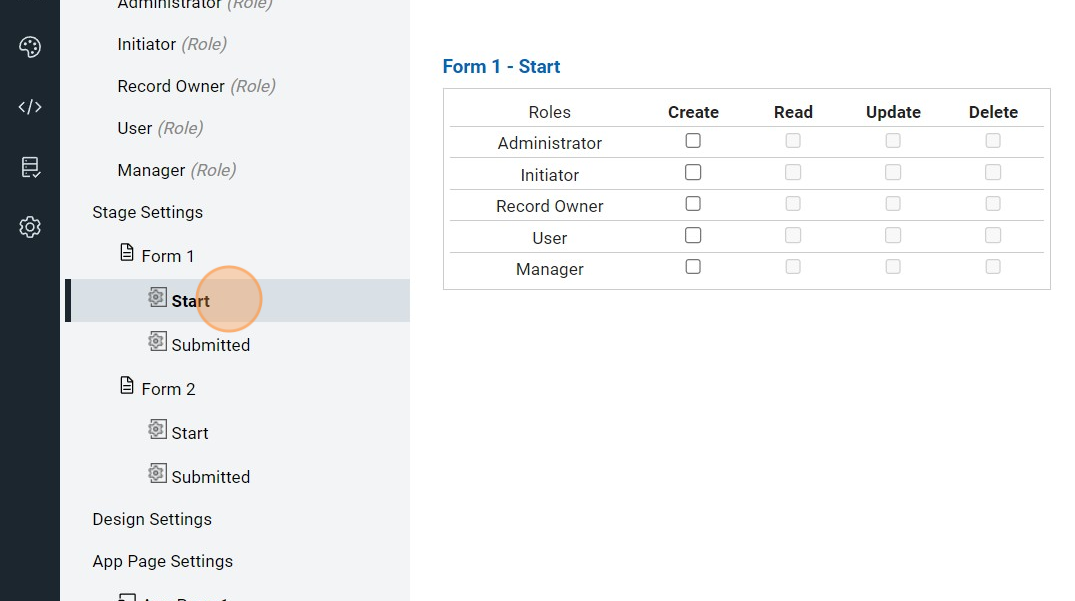
2. Select preferred stage e.g. "Start"
3. Click this checkbox to enable "Initiator" role to access and create new forms.